Sites in one step
WordPress, WooCommerce, PHP, Laravel, static and reverse proxy. A WooCommerce site arrives with WooCommerce installed and its pages resolving — not a blank WordPress you have to finish.
Self-hosted hosting control panel · AGPL-3.0
Sites arrive cached, tuned and isolated. Deployments are measured before they go live — and a change that makes your site slower is refused, not shipped.
Ubuntu 24.04 and 26.04 · one command to install · no hosted plan, no per-site fee, no phone-home
Measured on a 2 vCPU, 1.9 GB server running WordPress and WooCommerce. Read the method →
Safe Push
Clone production to staging, make your change there, then let Performance Guard compare the two. It measures p50 and p95 latency, error rate, database query count and peak memory — then decides.
A pass promotes the code as an immutable release. A regression is blocked and production is left untouched. Rollback is one command, because the document root is a symlink.
How Safe Push works →$ slipctl safe-push 4
measuring production (baseline)
measuring staging (candidate)
BLOCK p95 268ms → 1551ms (+479%)
production was not modifiedWordPress, WooCommerce, PHP, Laravel, static and reverse proxy. A WooCommerce site arrives with WooCommerce installed and its pages resolving — not a blank WordPress you have to finish.
Full-page caching in nginx with precise invalidation from a WordPress plugin, request coalescing, and stale-while-revalidate. Responses are stored pre-compressed, so a cache hit costs no CPU to gzip.
Workers, OPcache and the InnoDB buffer pool are sized from the memory actually available. On a small box that is the difference between staying up and swapping.
Encrypted, deduplicated, off-site backups via Restic — with scheduled restores that prove the snapshot works, and a recovery-time estimate measured from your own data.
Every site gets its own Unix user, PHP-FPM pool, socket and open_basedir jail, plus chrooted SFTP with no shell. One compromised site stays one compromised site.
Managed files are hashed. Edit an nginx vhost by hand and the panel tells you, instead of silently overwriting your change on the next render.
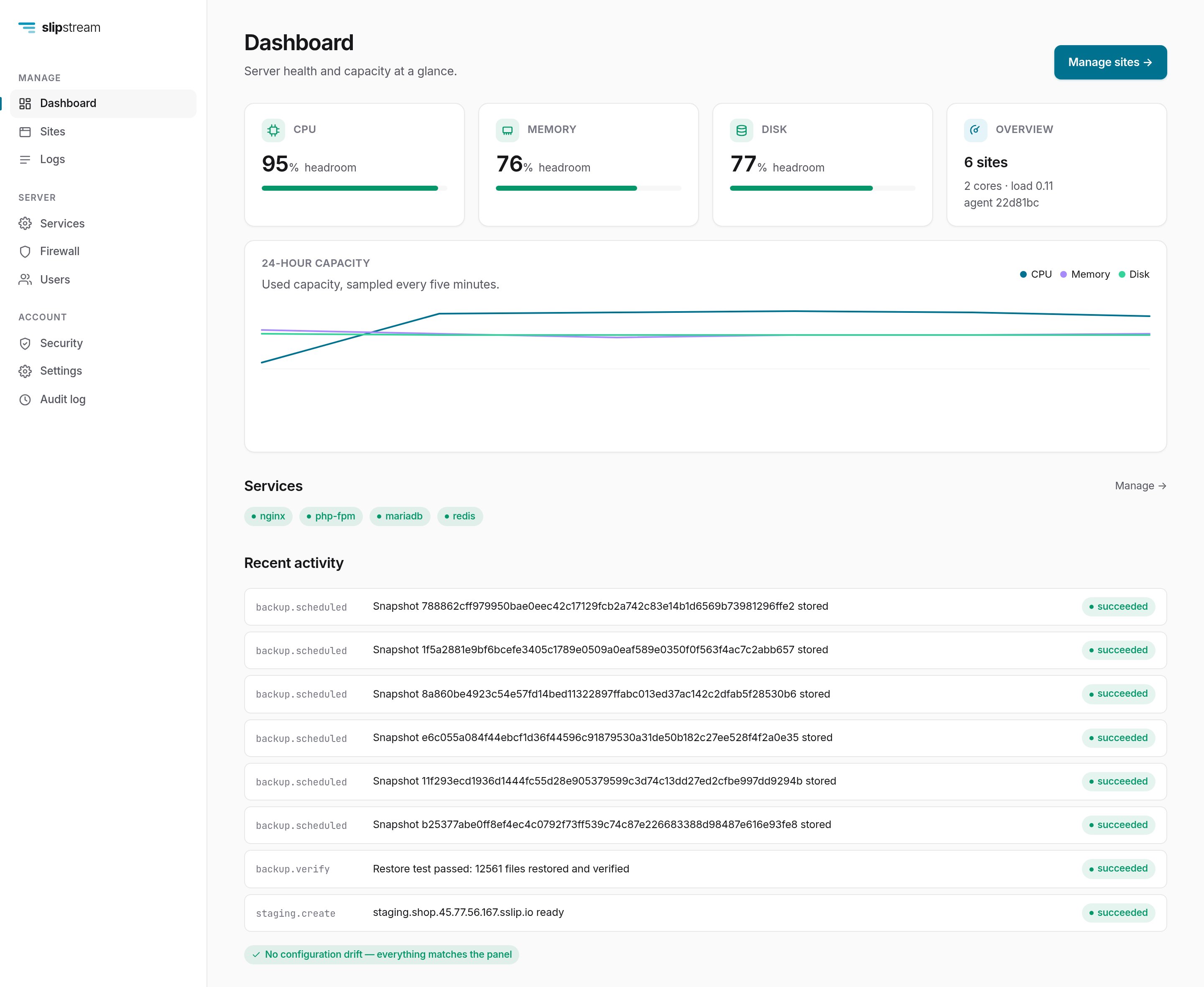
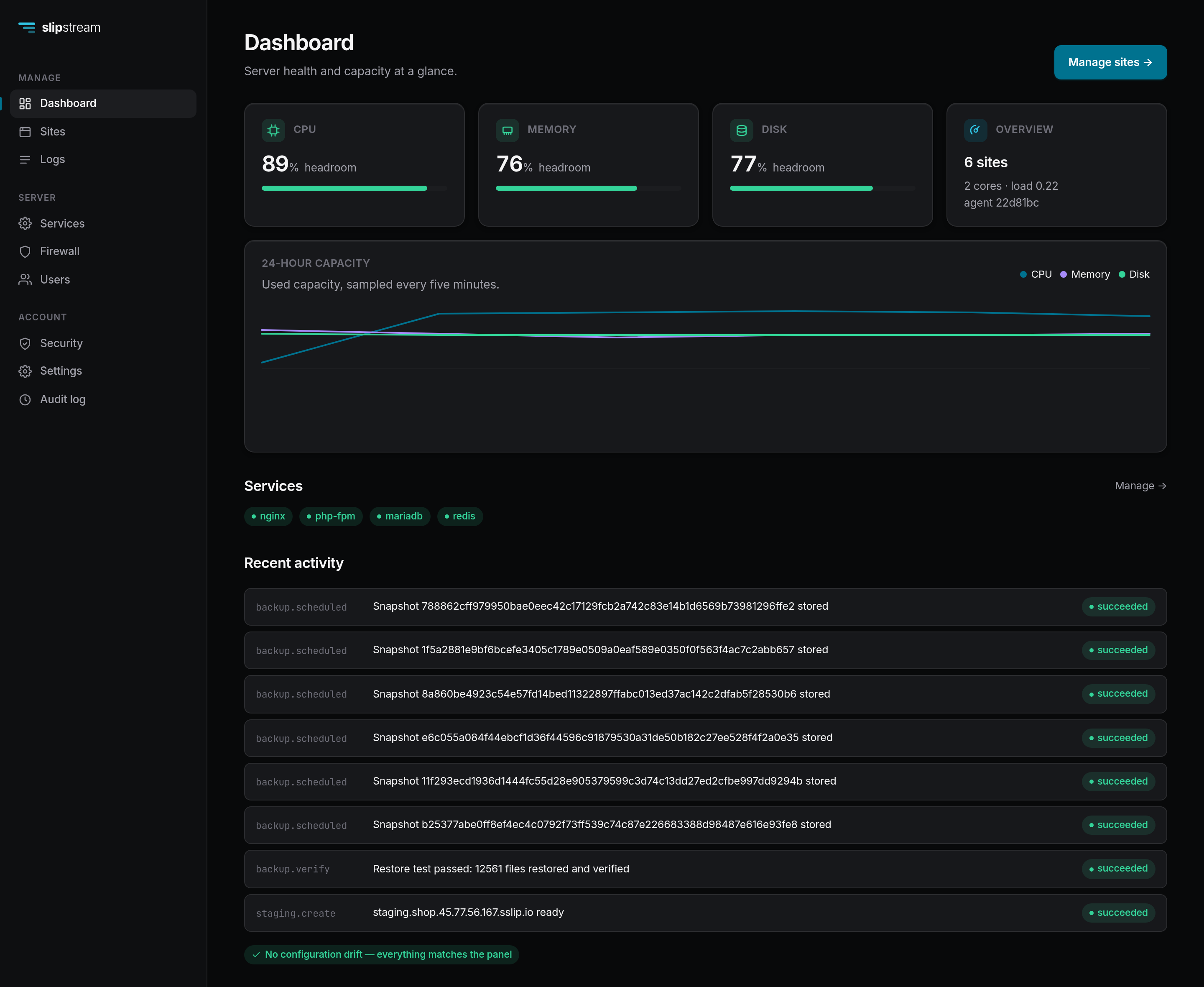
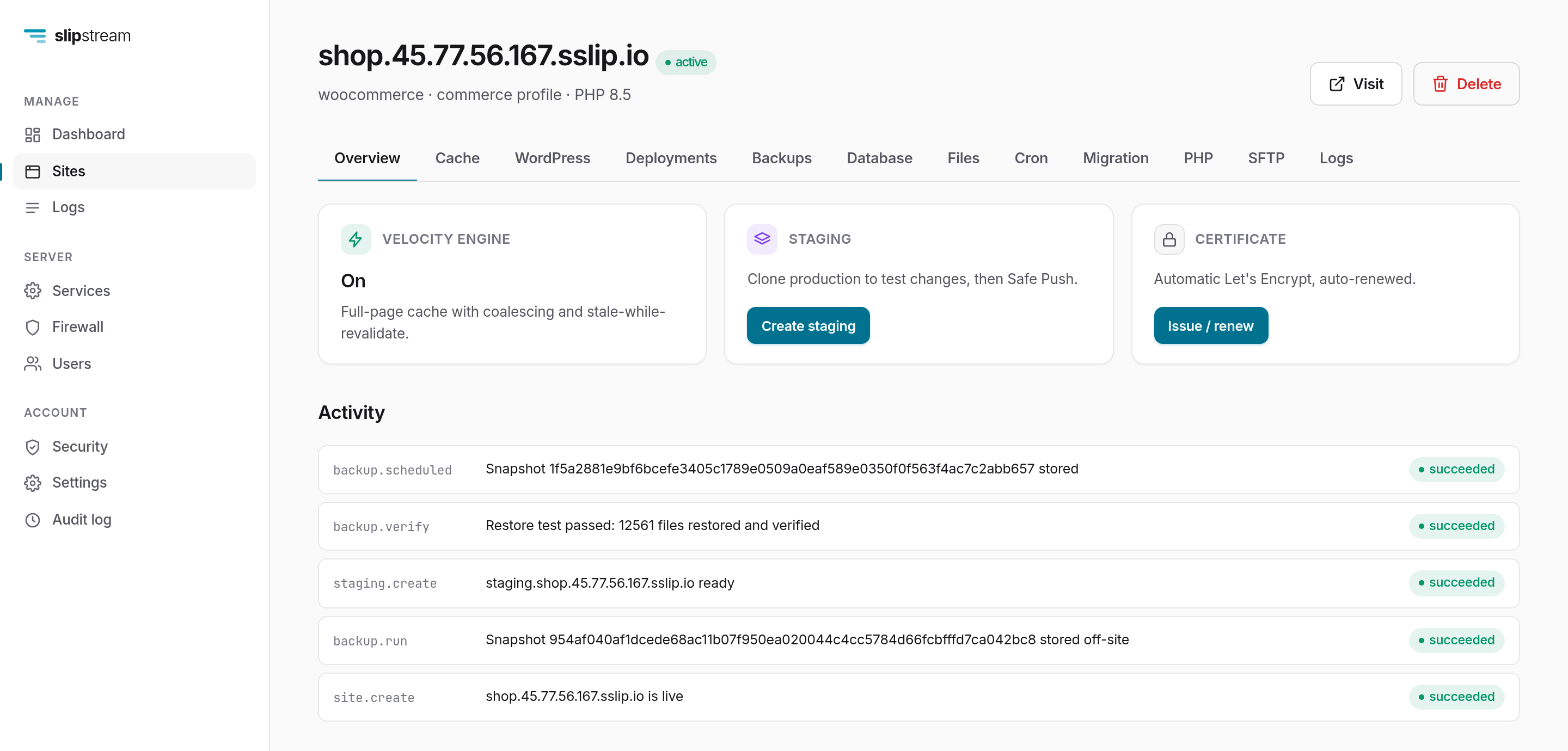
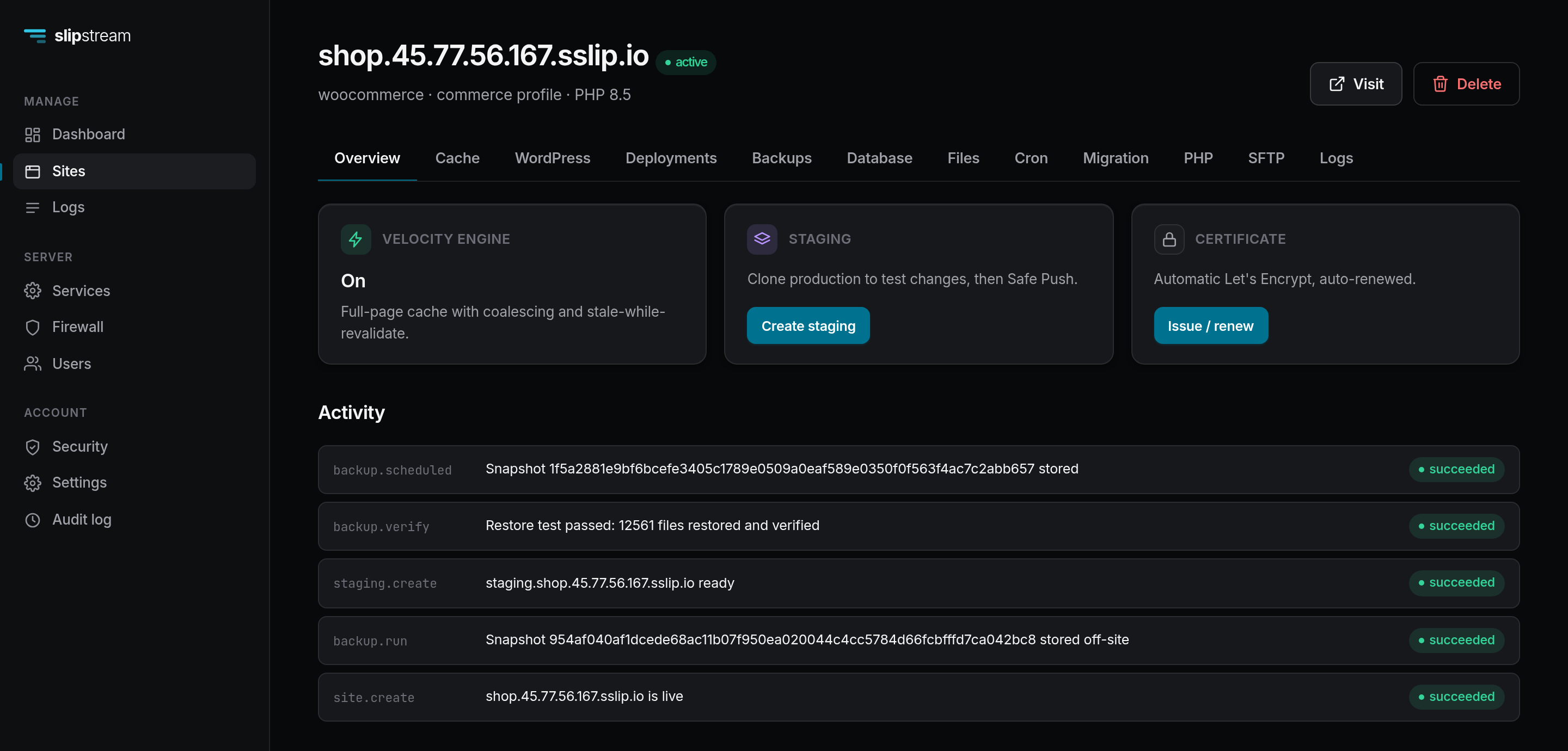
Screenshots of a running server, not mockups.
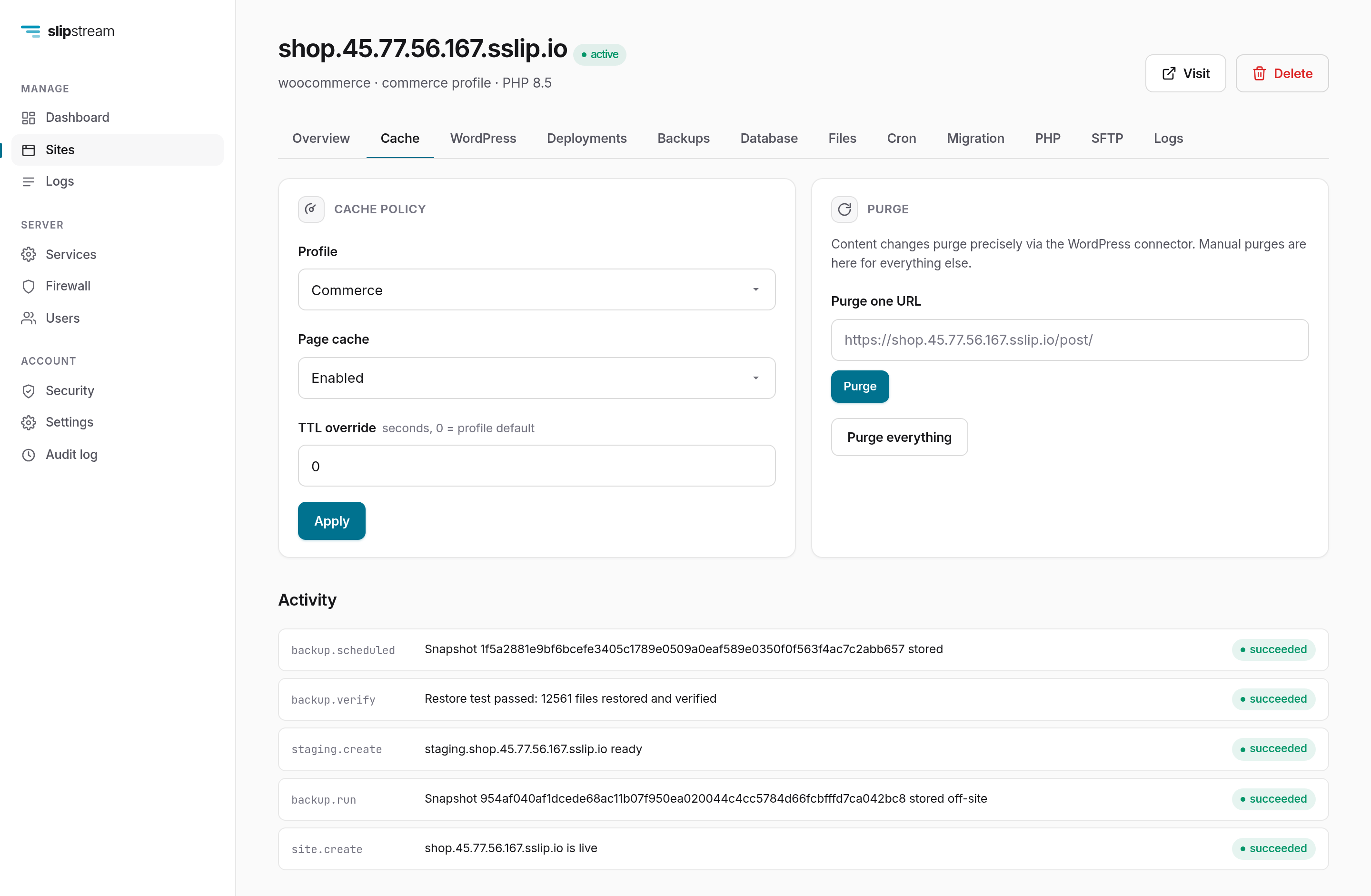
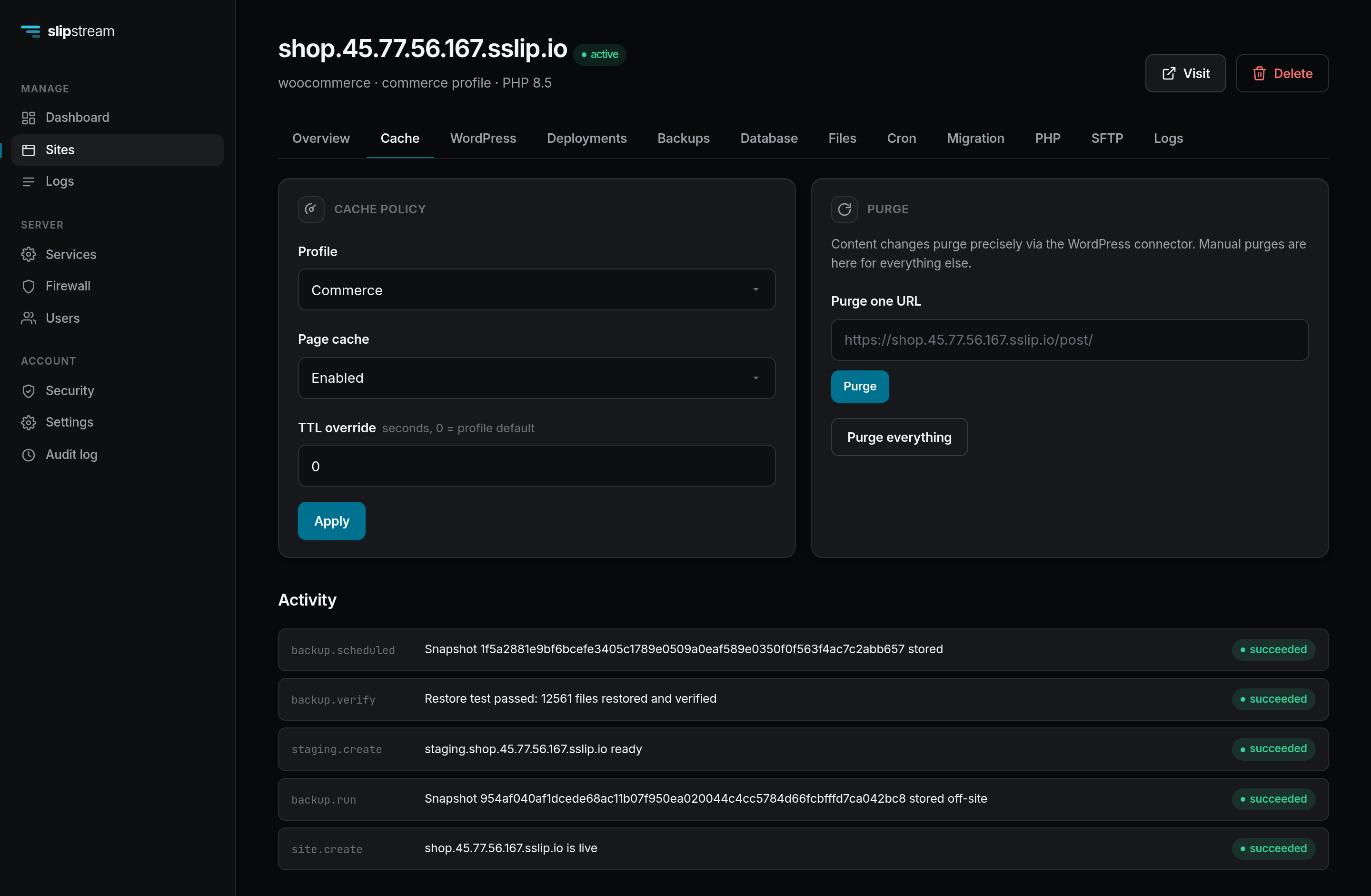
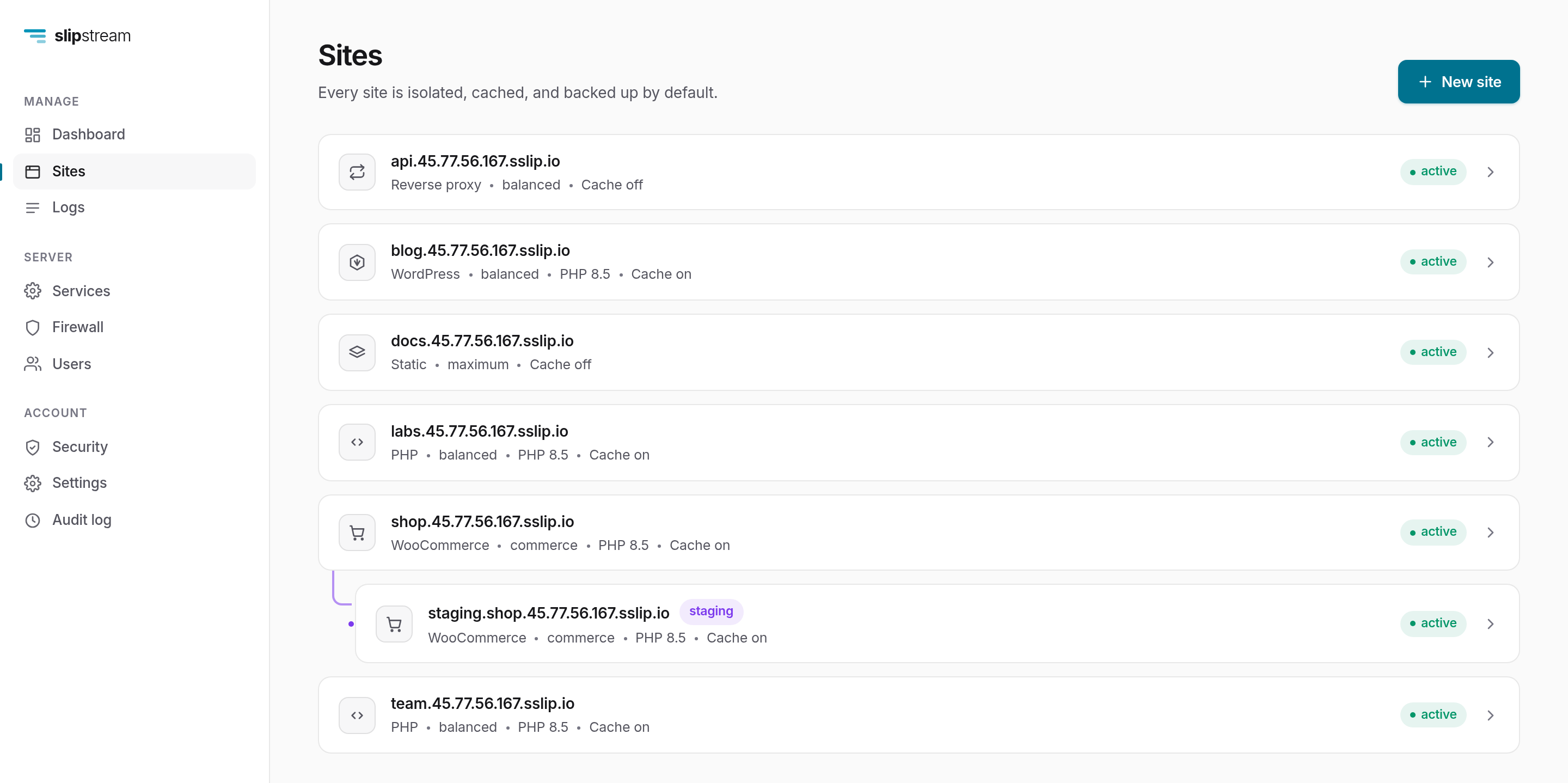
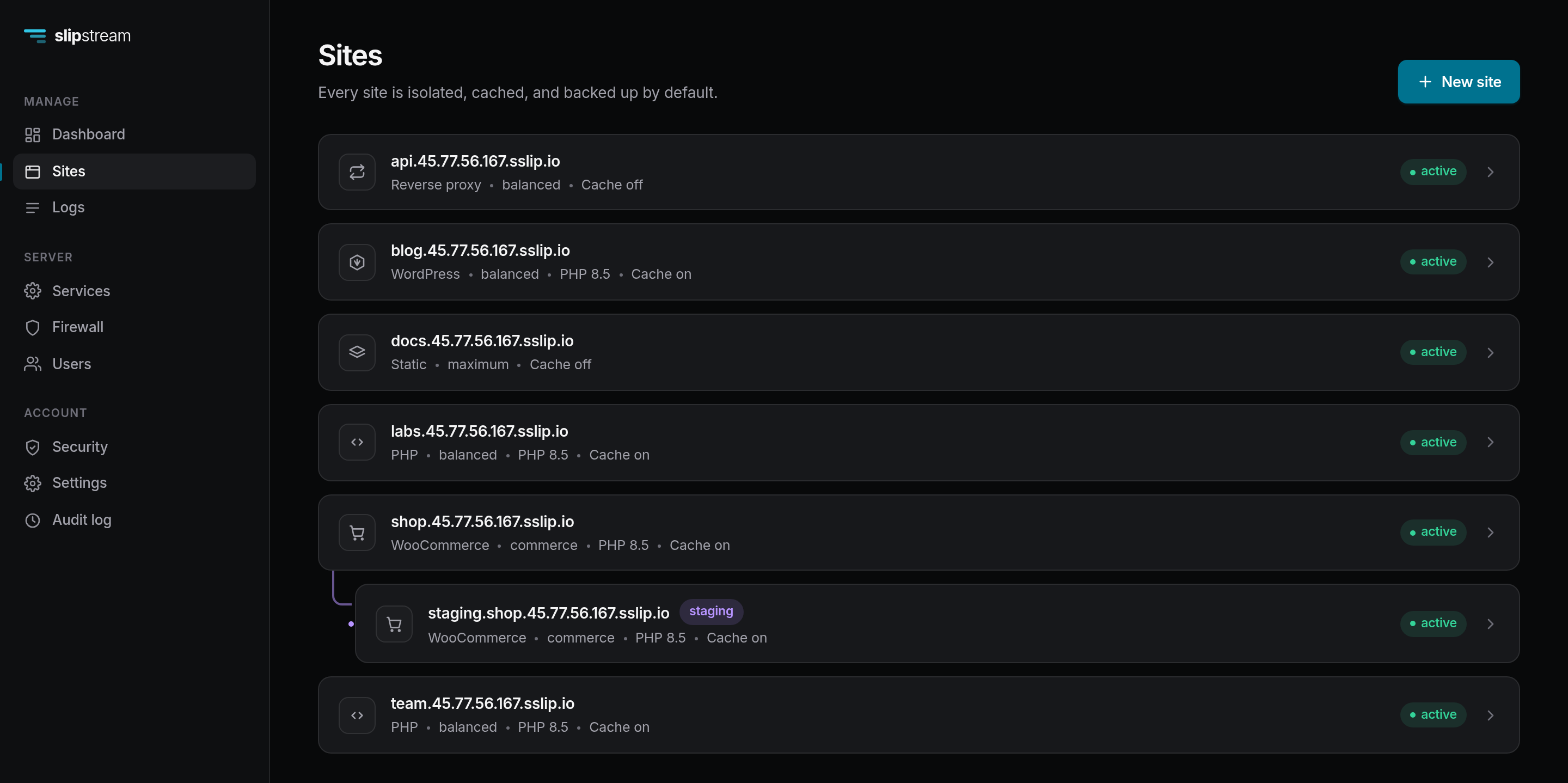
The trap in any panel comparison is hardware — two “identical” servers of the same spec measured 2.5× apart for us on the same workload. So both panels ran on the same physical server, one at a time, OS reinstalled in between, with the same WordPress and WooCommerce content and both tuned to their best.
| Metric | Slipstream | CloudPanel | Difference |
|---|---|---|---|
| Cached throughput, 500 connections | 9,280 req/s | 2,259 req/s | 4.1× |
| Requests served in that minute | 570,864 | 135,661 | 4.2× |
| Requests dropped in that minute | 1 | 319 | 319× |
| 2,000-connection flood | 8,018 req/s, no errors | 455 req/s, 1,619 timeouts | 17.6× |
| Install, bare server to running panel | 105 s | 460 s | 4.4× |
| Disk footprint | 0.61 GB | 4.58 GB | 7.5× smaller |
| Uncacheable WooCommerce render | 5.4 req/s | 22.0 req/s | 4× slower |
Slipstream 0.1.0 vs CloudPanel CE 2.5.4, measured July 2026. CloudPanel is actively developed and these figures describe two versions on one day — the suite is in the repository, so re-run it rather than taking the table's word for it.
That last row is the price of the open_basedir jail: an strace under load
put 72 ms of a 301 ms render in newfstatat, because the
jail re-checks every path component on every file operation. CloudPanel is faster there
because it does not have one. We keep the jail.
It runs cleanly on both supported Ubuntu releases with the end-to-end suite green on each, and it has had one deliberate internal security pass. It has had no external audit, and two client sites have run on it, on a single 1 GB server, since August. That is a start rather than a track record. Run it on servers you can rebuild.
No email, DNS, domain registration, billing or resellers. Each is a product in its own right, and a panel that does all of them badly is worse than one that does hosting well.
On a fresh Ubuntu 24.04 or 26.04 server with 1 GB of RAM or more. Slipstream takes over nginx, PHP-FPM and MariaDB, so give it a machine of its own.
curl -fsSL https://get.slipstreampanel.com | sudo bashThat is the whole install, and it takes about eighty seconds. It checks the machine, installs nginx, PHP-FPM, MariaDB, restic, certbot and wp-cli, verifies each Slipstream binary against its published SHA-256, generates the secrets and starts the services — showing you what it is doing at every step rather than sitting silent.
It prints a one-time setup URL. Open it, create your administrator account, add a site. Full walkthrough →